
Amir is the Segment Lead for Software at MUO. He’s a PharmD student who’s interested in clinical outcomes and Pharmacoeconomics. He loves looking at numbers and spreadsheets. His passion for data manipulation sparked during his early academic years, back when he used spreadsheets for lab reports.
Inspired by his father’s hobbies, Amir developed a knack for DIY projects and built his first quadcopter in high school. At 18, he began writing about 3D printing, and now contributes to MUO where he writes and edits productivity, spreadsheets, photography, music, and more.
Amir also enjoys creating music, although its categorization as such remains open to interpretation. In addition to his academic pursuits, Amir is an avid gamer, car enthusiast, and proud owner of a 1993 Mitsubishi Galant.
Smart TVs are still in that space of machines that can do so much, but are inherently limited. And yes, when I say smart TV, I mean the TVs with built-in OSes and streaming boxes and sticks. After all, they’re revenue machines — you are going to stream on them, and the manufacturer has already decided how.
More than any other device, smart TVs and streamers are built around the manufacturer’s intentions. But you don’t have to play along. A little customization goes a long way, and it starts with the very interface you use to navigate everything: the remote control.

Remapping the buttons is a must
And this app does it best
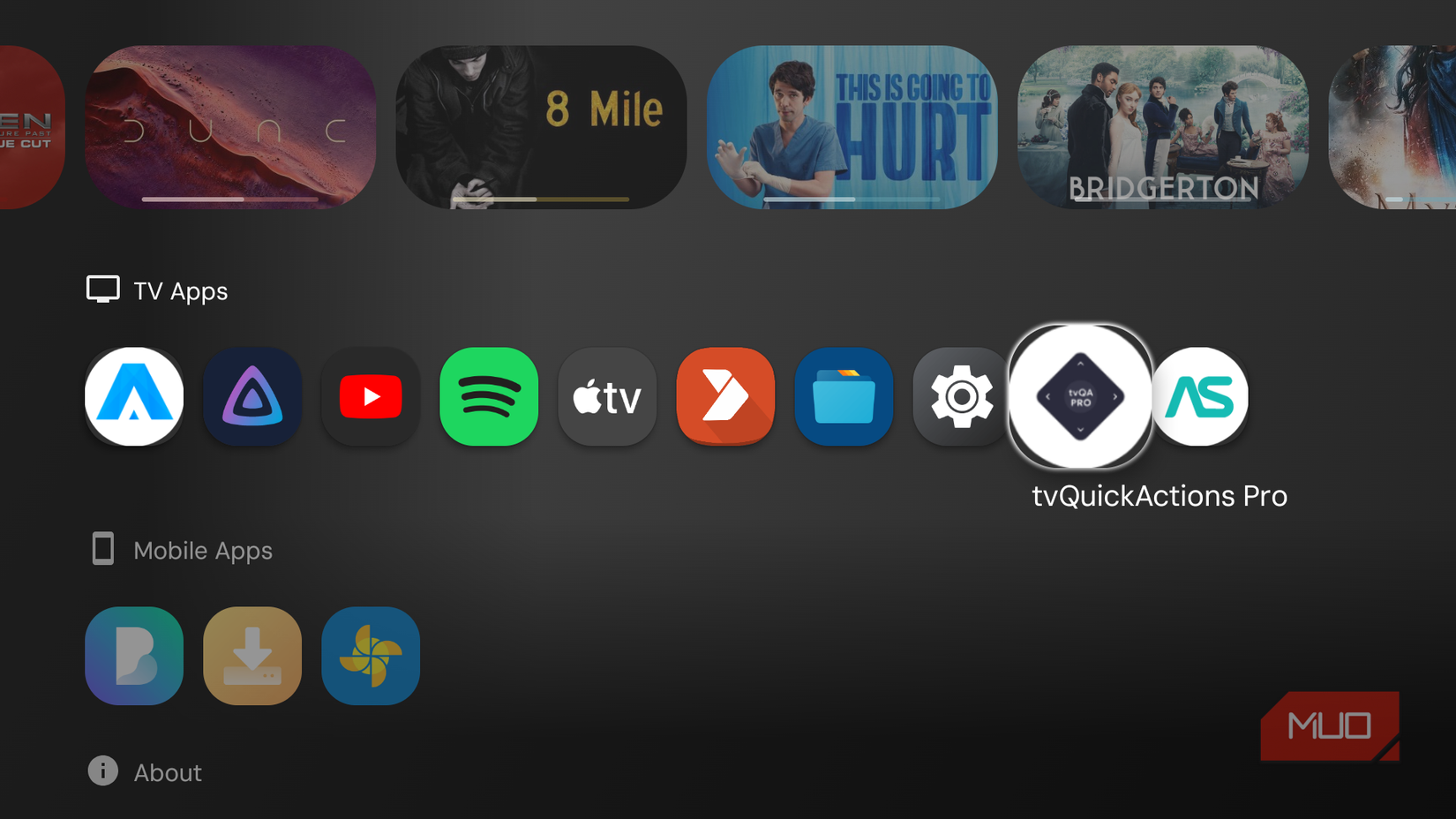
There’s a heap of apps designed to let you remap buttons on Android TV, but I’d always avoided TVQuickActions Pro because it wasn’t free. Then some guy on Reddit made the case for it, and the price turned out to be a one-time four dollars — not a subscription. That was enough to convince me.
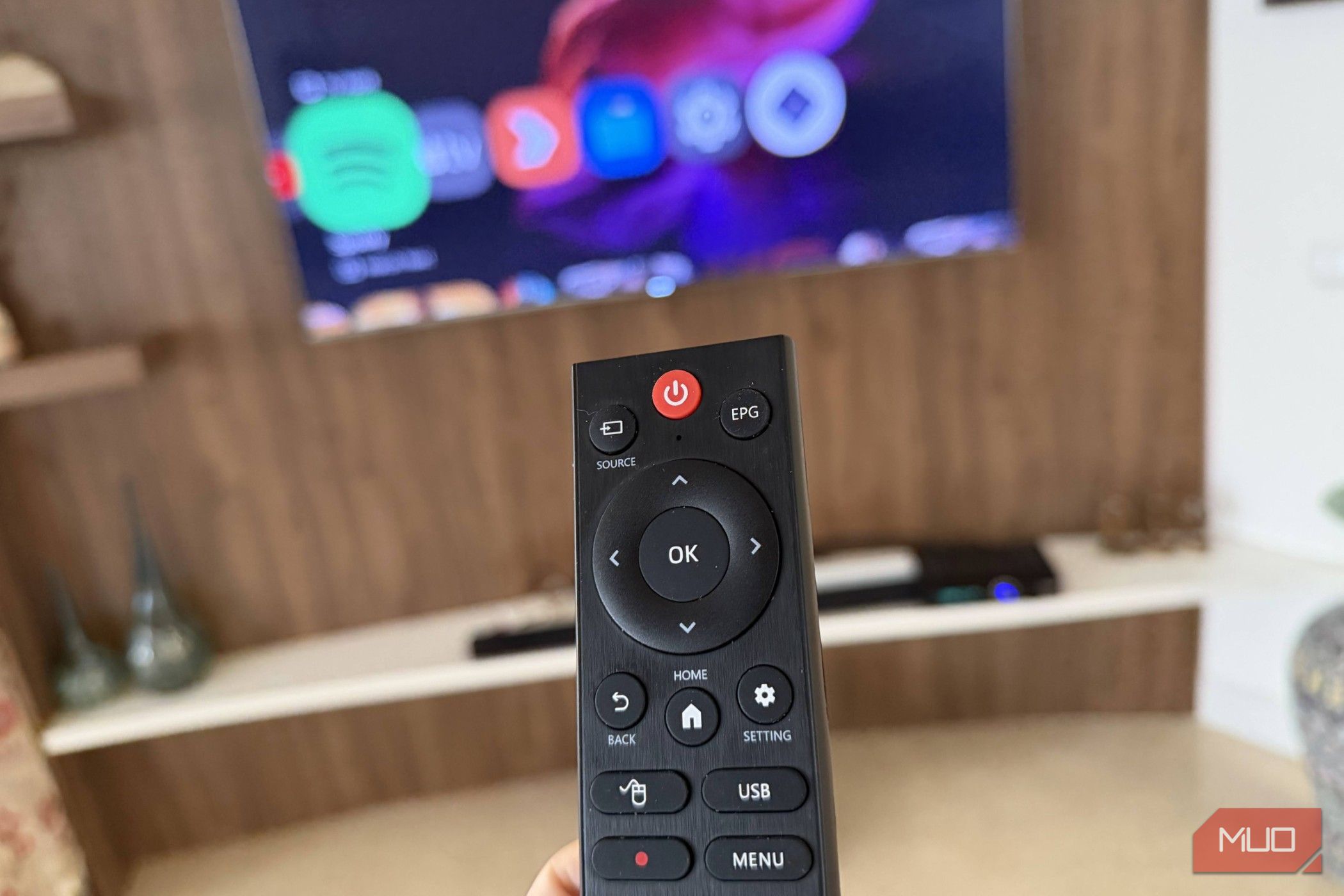
The timing was right too. I’d just built a new setup: a Raspberry Pi 4 running as a streaming box, paired with a generic Bluetooth remote. Most of the buttons beyond the basics — directions, OK, back, home — did nothing out of the box. And on my commercial streaming box, the remote is littered with branded shortcuts (Google Assistant, Netflix, and so on) that I never use. I’d use them if they did something useful. TVQuickActions Pro makes that possible.
There’s also a free version available. It’s not a trial, but the feature set is more limited than Pro.
TVQuickActions Pro is a full-blown TV utility suite
The name undersells what’s actually inside
Button remapping is the headline, and it delivers. But once you’re inside the app, you realize it’s quietly packed with extras. There’s a dock (macOS style app launcher), a recent apps switcher, a sleep timer, a screen recorder, night mode, a Bluetooth manager, a media control panel, quick TV input switching, a clock and weather overlay, and much more — all bindable to whatever buttons you want, on single press, double press, or long press.
The configuration UI is clean. Each button you want to remap shows up, you tap it, assign an action, and optionally layer in a double-press or long-press action. That means a single button can do three different things depending on how you interact with it. It’s an app that keeps giving as you explore the menus.
Use cases to start with
Low-hanging fruit
The easiest win is to reclaim the branded buttons on your remote. The Netflix button, the Prime Video button, whatever — if you don’t use those apps, those are dead keys. Remap them. For example, if you use Jellyfin on your TV, point the Netflix button to Jellyfin.
The second quick win is shortcutting something you navigate to constantly. Settings is a good example. My remote has a settings button, but it didn’t do anything. I mapped that button to the Settings menu, but if you don’t have one, you can map a long press on the Home button (or any other button).
By default, the action type is set to the tvQuickAction Panel. When you press the button, it’ll open a radial menu with the items you added to the directions. Switch the type to Usual action to skip the menu and have the button fire right when you press it.
More interesting use cases
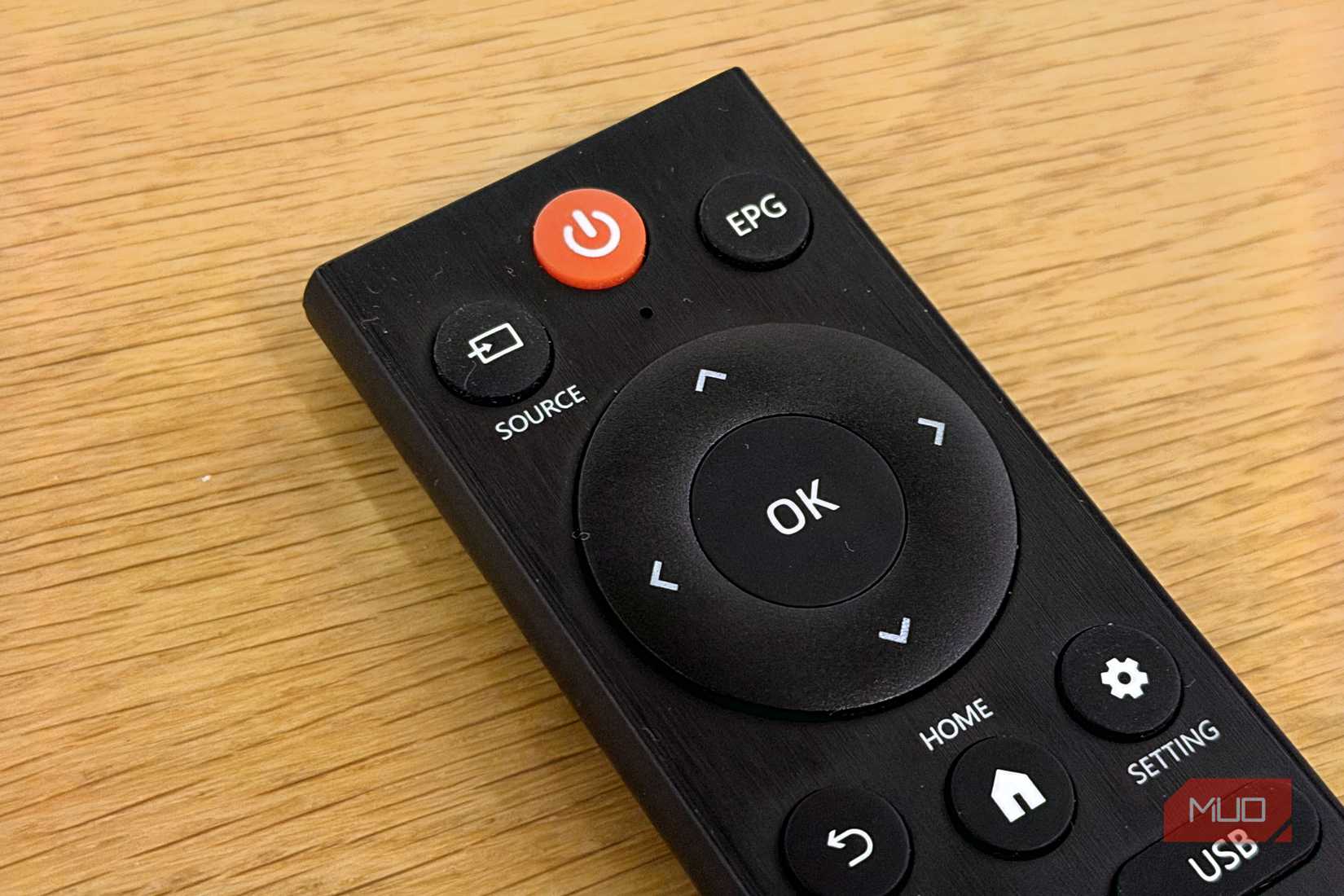
The multi-action button setup combined with the custom menus feature opens up some surprisingly capable configurations. I set up a long press on my otherwise unused EPG button to open a custom menu with five items: Jellyfin, my file manager, the application Dock, and screenshot capture. It pops up as a radial menu, I pick with the d-pad.
The ADB command action is the ultimate power-user tool. You can bind practically any system-level action to a button. Force stop an app, clear the cache, change the display resolution. That last example alone is worth the price that the app charges.
Worth four dollars without thinking about it
There are a couple of things to know going in: the app requires Accessibility Service permission to intercept key events, which is a standard requirement for any remapper to function. Google Play is happy with it, so I’m happy too. A handful of features depend on your firmware and Android version. ADB actions need ADB debugging to be enabled, and the experience can vary by device. It’s not a dealbreaker, but good to know and manage your expectations.
There’s a free version if you want to test the waters, but the feature set is noticeably limited compared to Pro. For four dollars as a one-time payment, Pro is the obvious pick. The price is so low that it barely warrants a cost-benefit calculation. If you’ve ever looked at a row f unused branded buttons on your TV remote and felt at least midly frustrated, this is the app to install.
About The Author